
How to Buy
We have a few ways to purchase valid fare before you ride CapMetro. Explore the available ways to pay and find the method that works best for you!
Tap to Pay on Bus
Pay with a contactless credit or debit card, or a payment-enabled phone or watch. No app needed.
- Daily fare capping included. Tap to Pay riders will never pay more than $2.50 per day for standard fare. Once the daily cap is reached, remaining rides that day are free. Monthly fare capping is not available with Tap to Pay.
- Tap to Pay is not available on other CapMetro services such as Rail or Access.
- How to use: Tap your card or contactless payment device on the scanner where the icon is displayed. A green screen and beep confirm successful payment. Use the same card each time to receive fare capping. Each rider must use a separate contactless payment method.

Download the Umo app for digital payments
To take advantage of daily and monthly fare capping, customers must use their wallet balance.Reload on your phone, at the Transit store or at one of our participating retailers.
- Download Umo and create your account. Read instructions on setting up the app here.
- Load your wallet with debit card, credit card, Apple Pay or Google Pay.
To Use: Simply scan the QR code on your phone on the scanner while boarding. Daily and monthly fare capping is automatic. If the bus scanner displays a green arrow, you have more than $5 on your account. If you the arrow is yellow, you have less than $5 on your account and will need to reload soon.
NOTE: You cannot use both the reloadable fare card and Umo app. You must choose one.

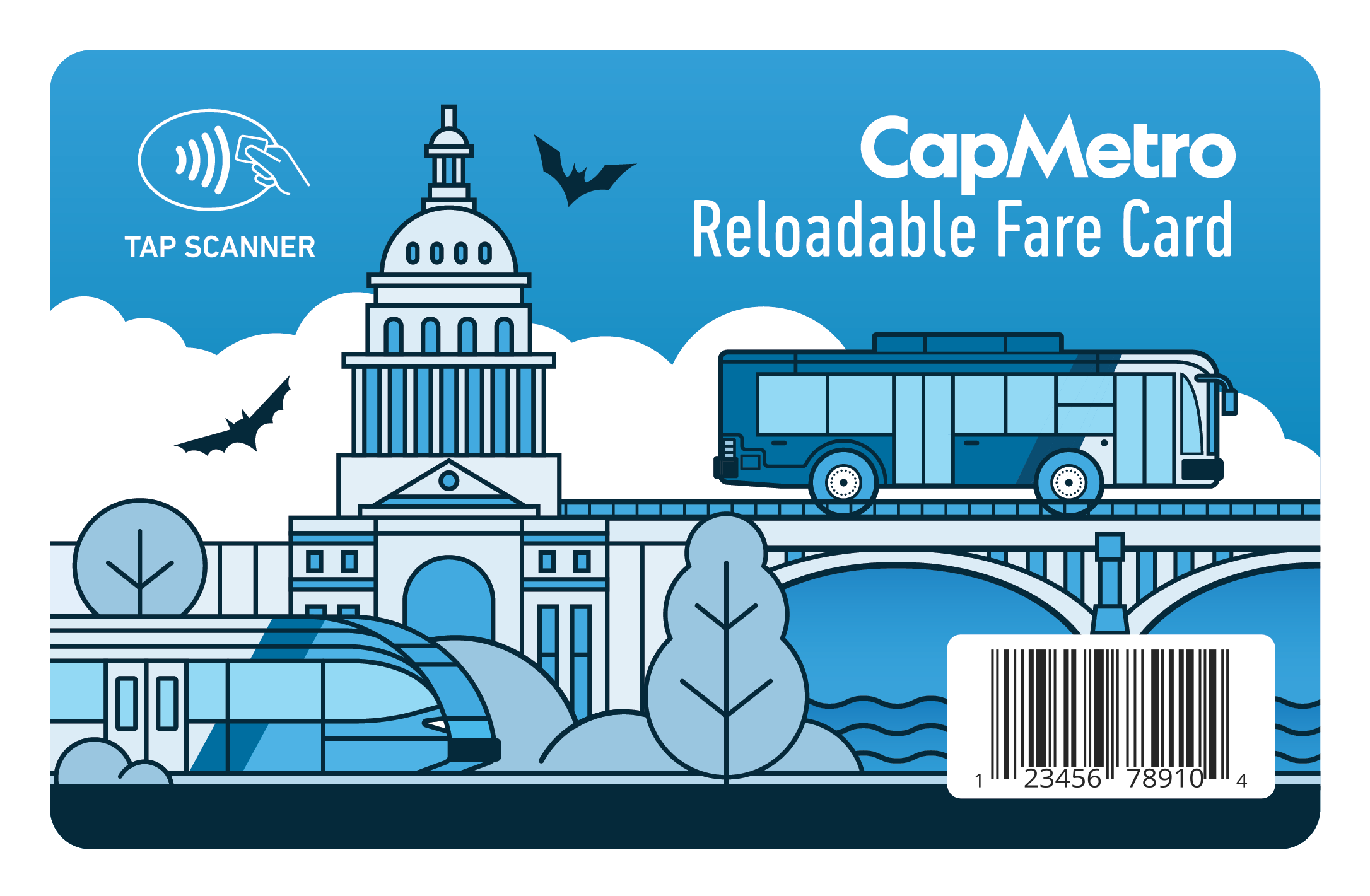
Get a CapMetro Reloadable Fare Card
Use the Reloadable Fare Card onboard Bus and Rail.
Get a CapMetro Reloadable Fare Card at the Transit store. You can also purchase a card at select HEB locations. Load money to your card at umopass.com or add cash to your card at participating retail locations.
To Use: Simply tap your card at our scanners - contactless payment is safer and can get you on the bus faster. If the bus scanner displays a green arrow, you have more than $5 on your card. If you the arrow is yellow, you have less than $5 on your card and will need to reload soon.
NOTE: You cannot use both the reloadable fare card and Umo app. You must choose one.
Cash
Buy a Single Ride Bus or Rail ticket at a Ticket Vending Machine (TVM) at Republic Square, East Side Bus Plaza or any CapMetro Rail station. TVM's accept cash only.
Buy a Local single ride ticket with exact change at the farebox at the front of the bus.
To Use: Insert your exact change at the farebox on buses and the farebox will make a beeping sound when you've paid full fare. Show your ticket to a Rail conductor.
Participating Employer/ School Pass Program
If you work for a participating employer or are part of a School Pass program, here's how to use your pass:
- Swipe your UT ID on the farebox.
- If asked, show your employee or school ID card to the bus operator.
We retired day passes and are replacing our bus fareboxes | Exchange all day passes before December 31. More info here.

Pickup and Access Fare
Pickup: Pay on the vehicle with cash or use the Pickup app or Umo app. When you board, show your app code to the vehicle operator.
Access: Access customers can setup autopay for Access rides through the Access App or Website. H-E-B and the Transit Store sell 10-ride booklets for Access rides. Access monthly passes can be purchased at the Transit Store.
Access customers can ride Bus and Rail services at the reduced rate by using the Umo app or Reloadable Fare Card. Get more information on paying for rides as an Access customer here.
To Use on Bus/Rail: To use and receive reduced fares on Bus or rail, show the operator your Access ID card then pay your fare with exact change, Umo app or Reloadable Fare Card when you board the vehicle. Access monthly passes are valid on all CapMetro Bus and Rail services at no additional cost.

College Students & Government Employees
University of Texas ID holders, ACC Green Pass holders and Huston-Tillotson students & staff ride our buses and trains for free through agreements with the universities.
- Get more information about the UT Shuttles
- ACC Rider's Guide
- ACC Green Pass Registration
- Huston-Tillotson: Contact studentaffairs@htu.edu to request a free bus pass
- St. Edwards students: Get your 35% discount at the Hilltopper Card Office
To Use:
- Swipe your UT ID at the farebox. The farebox will alert you and the bus operator if your card can't be read. If your ID card is rejected, you'll need to pay the full fare.
- ACC and Huston-Tillotson students must use the Umo app to board.
Note: Any issues with the UT ID card must be addressed with the University of Texas Flawn Academic Center (FAC) ID office on campus.
Fare Enforcement
Follow our Code of Conduct and pay the fare when you board. CapMetro routinely checks passes to ensure fairness for everyone who rides our bus and rail system. If you ride without a valid fare, you will be required to purchase a fare or exit the service.